
Your own storefront
Set store details and publish a catalog customers can browse on any device.
Andala Store
For merchants & SMEs
List products, share your storefront, and settle orders to your wallet when customers pay.
Free account → verify email → enable Store → set up your store.
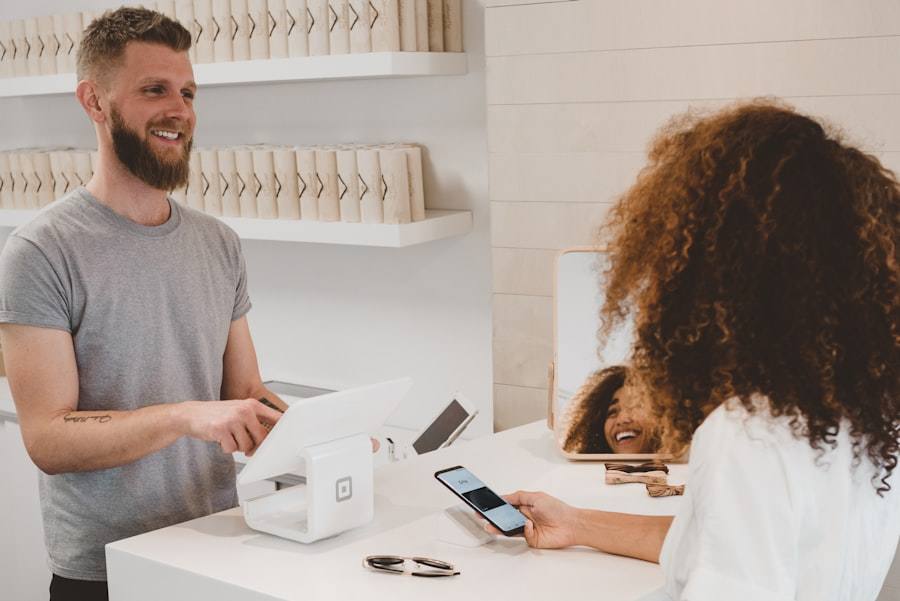
The old way
The Andala way
Publish products, let customers pay online, and see orders settle into your Andala wallet with a clear payment record.
Create Your StoreSet store details and publish a catalog customers can browse on any device.
Buyers add items and pay online through Andala checkout.
List on the Andala shop so more shoppers can find your products.
Offer sizes, colours, or SKUs and keep listings organized.
Successful orders credit your wallet according to platform fee settings.
Track orders and mark them fulfilled as you ship or deliver.
Add your store name and details, then publish when ready.
Create listings with images, variants, and pricing.
Send your store link or sell via the marketplace—checkout settles to your wallet.
Pricing
No setup fee to create a store. Buyers typically pay your listed total plus a processing fee of 3% + ₦100. You receive your listed amount.
Buyer processing fee
3% + ₦100
Same shared fee model used across Andala collection products.
No. Andala gives you a storefront URL and marketplace listing so you can sell without building a custom site.
Yes. Shoppers can check out online through Andala payment without signing up for Andala.
Customers pay by card or bank through Andala at checkout. Successful orders settle into your Andala wallet.
Yes. You can publish products to the Andala shop so buyers can discover your listings, in addition to sharing your own store link.
Creating a store is included with your Andala account. On paid checkouts, buyers typically pay your listed product total plus a processing fee of 3% + ₦100. You receive your listed amount.
Free account → verify email → enable Store → set up your store.
Create your store and list your first product. Free account → verify email → enable Store → set up your store.
Ready when you are
Create Your Store